Contents
- What do you need before you start?
- How to make a resume in mobile, step by step?
- Which app should you use to make a resume on your phone?
- What format should a resume made on a phone follow?
- Worked example: one section, before and after
- How do you save and send your resume as a PDF from your phone?
- What mistakes should you avoid on a phone?
- Frequently asked questions
You don’t need a laptop to make a good resume. A phone is enough to write, format and send one, as long as you keep the layout simple and check the final PDF before it goes out. This guide walks through each step for freshers and first-time job seekers in India.
What do you need before you start?#
Your details, in one place. Typing on a small screen is slow, so collect everything in a notes app first and copy it in section by section.
- Contact details: full name, phone number, a professional email address, your city, and a LinkedIn or GitHub link if you have one.
- Education: degree, college, university, years, and your CGPA or percentage. Freshers can add Class 12 and Class 10.
- Skills: the tools, languages and subjects you can actually use, such as Excel, SQL, Python, Tally or AutoCAD.
- Projects and internships: what you did, the tools you used and the result.
- Certificates and activities: course certificates, competitions, NSS or NCC, and college clubs or events you organised.
How to make a resume in mobile, step by step?#
Use these steps in any resume app or document app on your phone.
- Pick your tool: a resume app, or a document app such as Google Docs or Microsoft Word with a simple template.
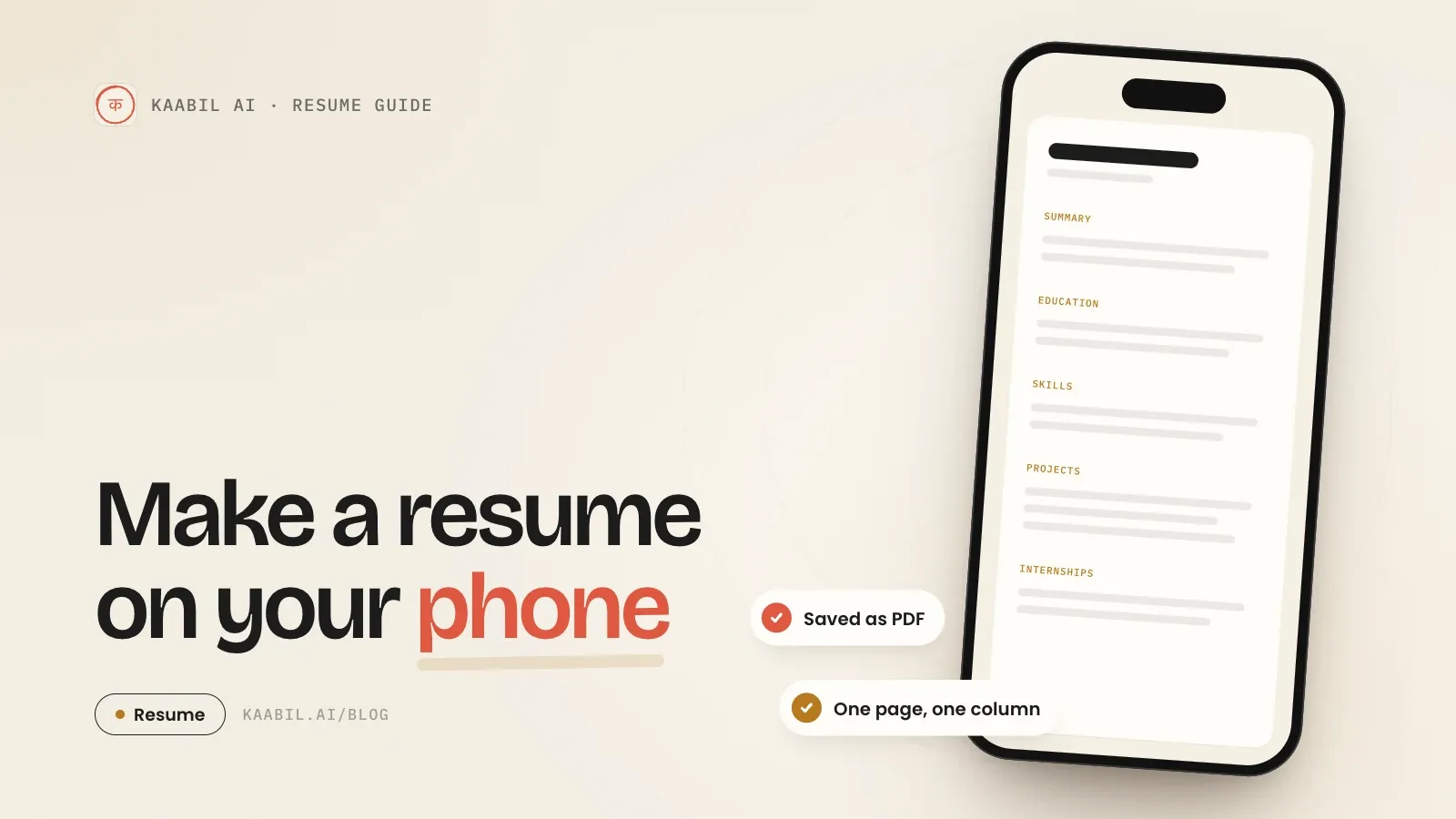
- Choose a one-column format with standard headings: Summary, Education, Skills, Projects, Internships and Certifications.
- Put your name and contact details at the top as plain text, not inside an image, a header graphic or a text box.
- Write a two- or three-line summary that names the role you want and your strongest skills.
- Fill in education, skills, projects and internships, with the most recent first in each section.
- Write each project or internship in one or two lines: what you did, the tool you used and the result.
- Proofread twice: names, dates, phone number and email. Autocorrect often changes tool and company names.
- Save it as a PDF and put your name in the file name, for example Priya-Sharma-Resume.pdf.
Which app should you use to make a resume on your phone?#
Any app that exports a clean PDF will do. The choice comes down to how quickly you want to start and how much control you want over the layout.
Option | Good for | Watch out for |
|---|---|---|
Resume app with a builder | The fastest start: you fill in sections and the app lays them out | Pick a plain, one-column template and check the exported PDF |
Document app (Google Docs, Microsoft Word) | Full control over the wording and the layout | Spacing and alignment errors are easy to miss on a small screen |
Design app with resume templates | Roles where visual design matters, alongside a portfolio | Columns, icons and text inside images can be hard for applicant tracking systems to read |
What format should a resume made on a phone follow?#
The same format as one made on a laptop. Recruiters open it on all kinds of screens, and an applicant tracking system (ATS) often reads it before a person does, so a plain structure works best. Our guide to an ATS-friendly resume goes deeper.
- One page for freshers.
- One column, standard headings and a common font at a readable size.
- No photos of text, skill-rating bars or tables used for layout.
- Dates in one style everywhere, such as Jun 2025 – Aug 2025.
For layouts by section, with examples for freshers, see our guide to the resume format.
Worked example: one section, before and after#
Ankit is a BCom graduate from Indore applying for accounts executive roles. This is how his internship line changes when he follows the steps above.
Before: Internship at CA firm. Did GST work.
After: Accounts intern, CA firm, Indore (Jun 2025 – Aug 2025). Prepared GST returns and reconciled purchase registers for small-business clients in Tally Prime.
The second version names the role, the place, the dates, the work and the tool. A recruiter can match it to a job description quickly, and so can an ATS.
File name: Ankit-Jain-Resume.pdf, not Resume-final-2.pdf. Recruiters download many files, and your name in the file name makes yours easy to find.
How do you save and send your resume as a PDF from your phone?#
Use your app’s export, share or download option and choose PDF. On most Android phones you can also open the document, tap Print and choose Save as PDF.
Then open the PDF itself and check three things: nothing is cut off at the page edge, your email and links are correct, and it fits on one page. Upload the PDF to job portals or attach it to an email with a two-line note. Don’t send a screenshot of your resume.
If your resume goes out but calls don’t come back, read why a resume is not getting shortlisted.
What mistakes should you avoid on a phone?#
- A two-column template with icons, or a photo of text.
- An unprofessional email address, or a missing phone number.
- Sending a Word file or an image instead of a PDF.
- Spelling errors from autocorrect, especially in tool and company names.
- One resume for every job: change the summary and skills to match each role.
Frequently asked questions
Yes. Free document apps such as Google Docs can format your resume and save it as a PDF. Resume apps are faster: the Kaabil App builds a job-tailored resume from your profile and scores it with the Kaabil Score, and it has a free trial with no card needed.
A one-page, one-column PDF with standard headings: Summary, Education, Skills, Projects, Internships and Certifications. Avoid photos of text, icons and multi-column templates, because applicant tracking systems can misread them.
Use your app’s export, share or download option and choose PDF. On most Android phones you can also tap Print and choose Save as PDF. Open the PDF afterwards to check that nothing is cut off.
One page. Education, skills, two or three projects, internships and certifications fit on a single page when each line says what you did, the tool you used and the result.
No. Recruiters see only the PDF. What they notice is the layout and the writing: clean spacing, consistent dates and specific lines about your work, which you can get right on any device.
Sources
- Unsuccessful resume parse, Greenhouse Support · checked
- Navigating Applicant Tracking Systems (ATS), University of Virginia Career Center · checked
- Harvard College Guide to Creating a Strong Resume, Harvard FAS Mignone Center for Career Success · checked
- Plain Text Resume Parsing for Mobile Devices (Oracle Taleo Enterprise), Oracle Help Center · checked